Create your farm
Make your own farm in FarmTrack. It opens right away, and you can invite your workers later.
Steps
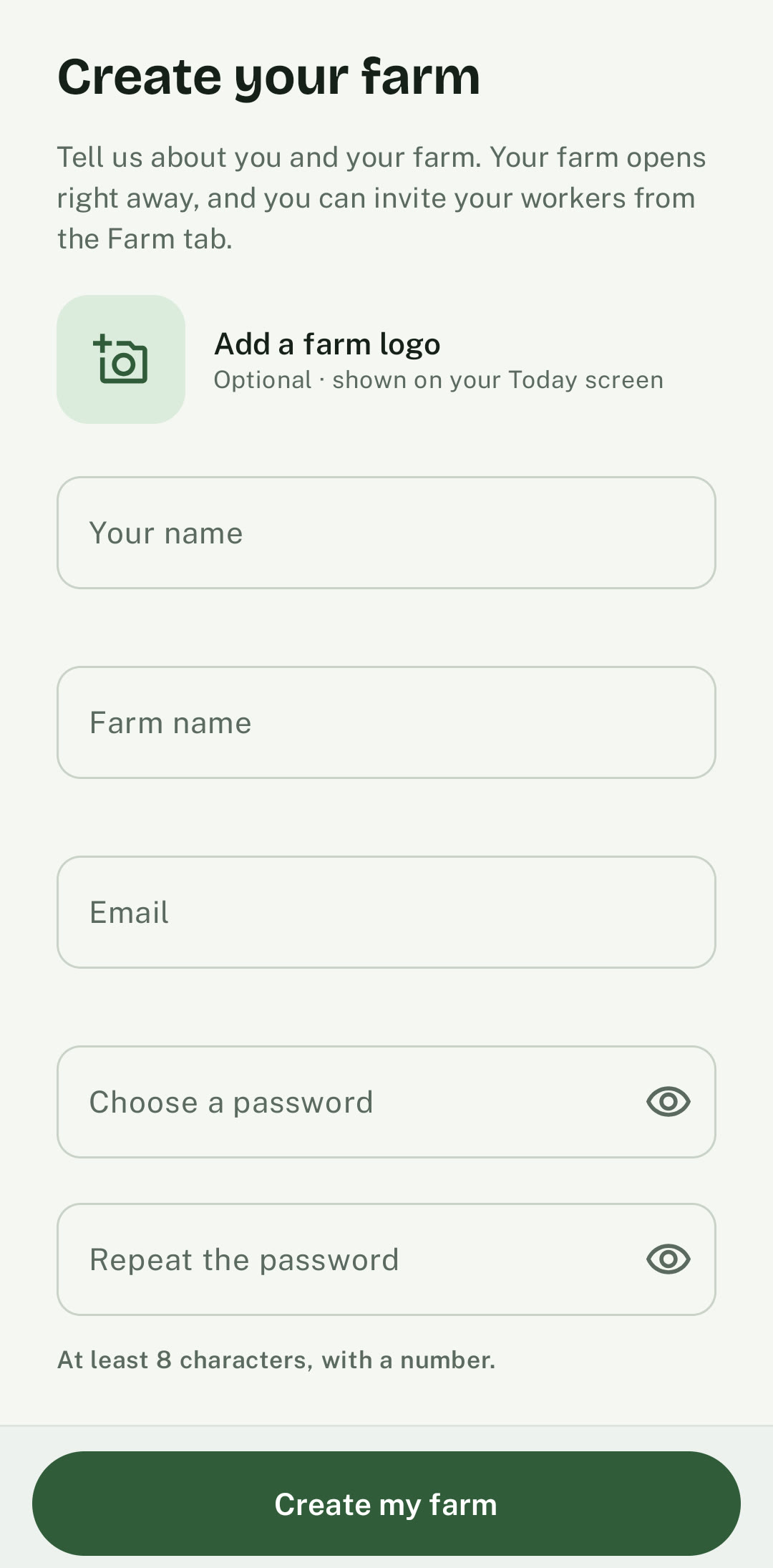
Open FarmTrack. On the sign-in screen, tap Create an account for a new farm. Back to sign in at the top takes you back.
If you like, tap Add a farm logo. It says "Optional · shown on your Today screen".
Enter Your name, Farm name and Email.
Under Choose a password, type a password, then type it again under Repeat the password. A line under them says "At least 8 characters, with a number."
Tap Create my farm.
To use a Google account instead of a password, tap Use my Google account instead (under the password boxes) and choose the account. Its email appears in place of the Email and password boxes, and your name is filled in from it. Enter your Farm name and tap Create my farm. Change lets you pick another Google account.
Your farm opens right away, on the Today screen.
What to do next
- You may see a card on Today called Set up your care programs. Tap Set up and pick the animals you keep. FarmTrack then schedules their vaccines, deworming and breeding for you. You can change it any time.
- Find your way around the app: Find your way around.
- To bring in a worker, open the Farm tab, then Team, and tap Invite a worker.