Join a farm with a code
A farm owner can invite you with a code. Use it to join their farm and help with the daily work.
Steps
Ask the farm owner for an invite code. It has 8 characters, works once and lasts 7 days.
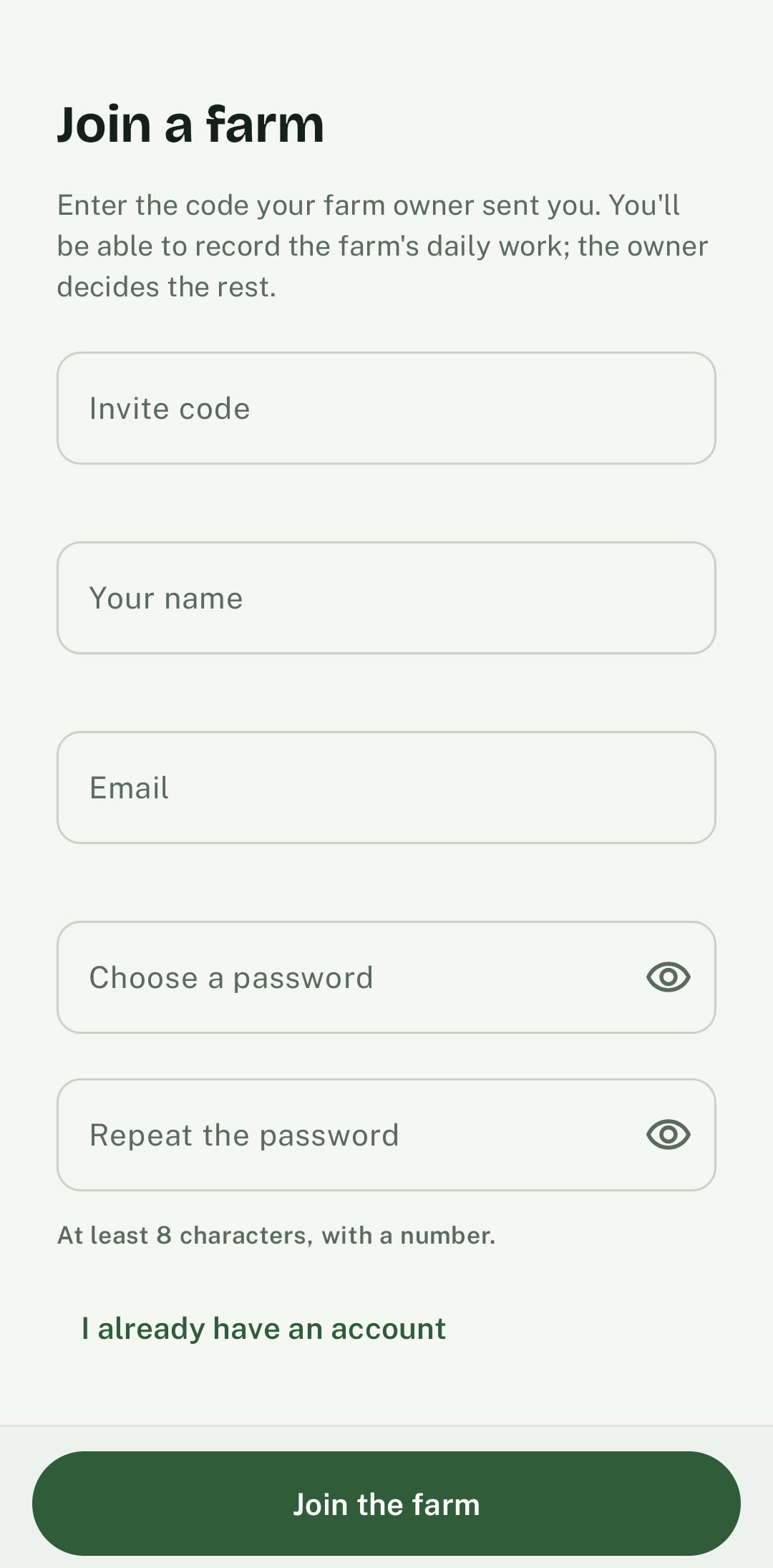
Open FarmTrack. On the sign-in screen, tap Join a farm with a code. The screen says: "Enter the code your farm owner sent you. You'll be able to record the farm's daily work; the owner decides the rest."
Enter the Invite code, Your name and Email.
Under Choose a password, type a password, then type it again under Repeat the password. A line under them says "At least 8 characters, with a number."
Tap Join the farm.
To use a Google account instead of a password, tap Use my Google account instead and choose the account. Its email replaces the Email and password boxes. If that Google account already belongs to a farm, FarmTrack simply signs you in to that farm and the code is not used.
If you already have a FarmTrack account, tap I already have an account first. The two password boxes become one box, Password, where you type your existing password. I need a new account takes you back.